How to Redeem KartX Racing Codes
Exact redemption flow, error fixes, and safe habits while the game is in release phase.
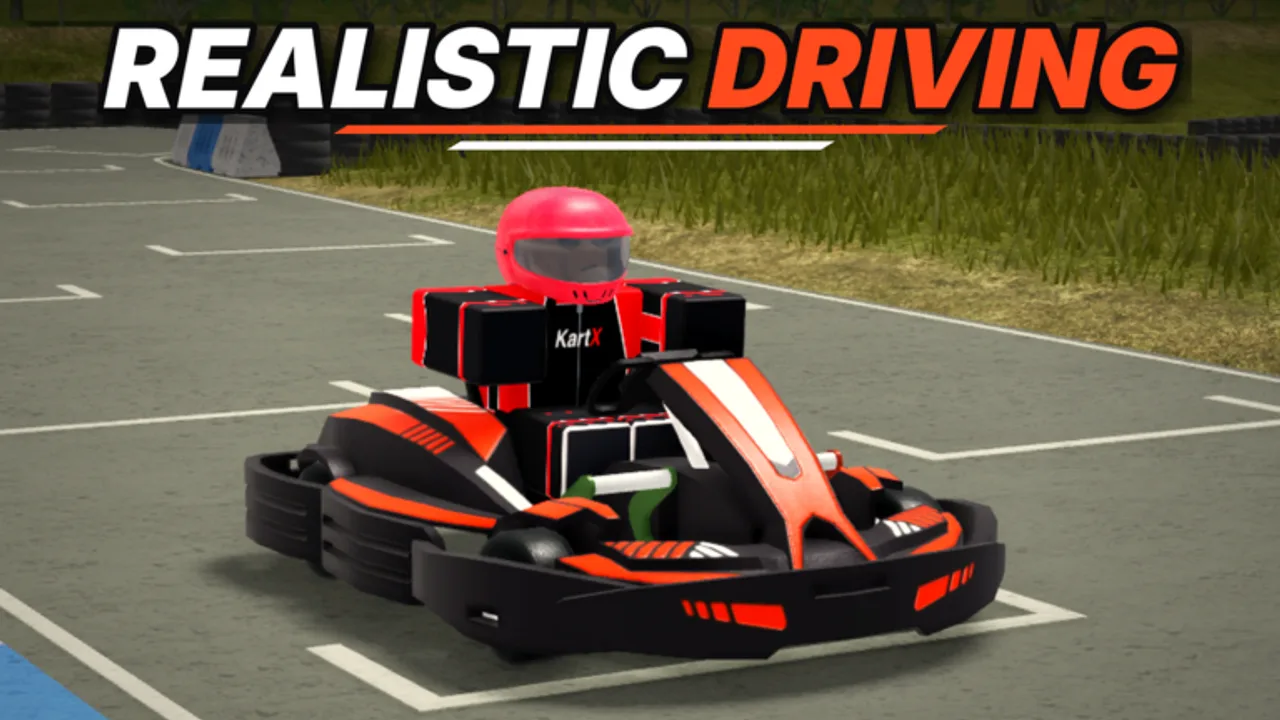
Promo codes in KartX Racing are free gift strings that KartX Official can enable during events, milestones, or marketing pushes. The experience is free-to-play on Roblox, online multiplayer with a 10-player server cap, and still in release phase after the 2 September 2026 launch. That means UI labels can shift, and a codes button that exists today might move after a patch. This page explains how to redeem a code when one is active, how to troubleshoot failures, and what to do while the Codes Hub shows no confirmed active codes.
Before you redeem
- Join the live place: KartX Racing on Roblox.
- Make sure you are logged into the Roblox account that should receive the reward.
- Confirm the code string from a trustworthy channel — preferably the KartX Official group or the Social links panel on the game page. See Official Links.
- Copy the code carefully. Codes are usually case-sensitive; do not add spaces.
- Finish any forced tutorial or loading prompts so the full HUD and menus are available.
If the Codes Hub still lists zero active codes, skip redemption attempts for random internet lists. Redeeming invented strings wastes time and trains bad habits around shady Discord servers.
Step-by-step redemption
Exact button names can change in release builds, but the flow is consistent with most Roblox racers:
- Enter a server and wait until your driver and garage UI finish loading.
- Open the main menu / shop / rewards panel (look for Codes, Redeem, Gifts, or a ticket icon).
- Paste the full code into the text field.
- Confirm with Redeem, Submit, or Claim.
- Watch for a success toast. Miles or items should appear in your progression, inventory, or garage locker shortly after.
- If nothing appears, rejoin once — some rewards sync on session refresh.
Keep a screenshot of successful redemptions. When we add a live code to the hub, community reports with reward proof help verify the listing faster.
Common errors and fixes
| Message / symptom | Likely cause | What to try |
|---|---|---|
| Invalid code | Typo, wrong game, or fake list | Recopy from official source; check Codes Hub |
| Expired | Timed drop ended | Remove from your notes; wait for the next official post |
| Already redeemed | This account already claimed it | Codes are usually one per account |
| No codes button | UI moved or feature gated | Update Roblox client; check after the latest patch on Updates |
| Reward missing | Lag or locker delay | Rejoin; inspect garage locker and miles counter |
Never share your Roblox password or cookie with someone who claims they can “apply codes for you.” Legitimate redemption happens inside your own client.
How codes fit the KartX progression loop
KartX Racing’s loop is race → miles → unlock karts & classes → tune → events. A code that grants miles accelerates early unlocks so you can experiment with accel / grip / top speed tuning sooner. It does not teach tyre choice for weather, fuel management at petrol pumps, or marshal duties. Spend sudden mile windfalls deliberately:
- Cross-check the Kart Tier List before buying a flashy late kart you cannot drive well yet.
- Align unlocks with the Class Tier List so class and chassis complement each other.
- Bank some miles for event shops during seasonal content such as Halloween instead of dumping everything on day one.
New drivers should still complete the habits in Getting Started even after a successful redeem.
Monitoring for new codes
Because no public active list is confirmed right now, set a lightweight watch process:
- Favorite the Roblox game and join KartX Official (community page).
- Open Social links on the game page whenever an update ships — Discord or other invites, if present, appear there. We do not invent Discord URLs.
- Recheck this wiki’s Codes Hub after major track drops or event banners.
- Ignore accounts selling “private KartX codes” for Robux or real money.
Release-phase games sometimes enable codes for a weekend only. Checking once after each update is enough for most players.
Safety and account tips
- Redeem only on your account; family-shared PCs should confirm the correct Roblox user before claiming.
- Turn on Roblox 2-Step Verification so a leaked session cannot steal a code-boosted inventory.
- Separate “codes” (official gifts) from scripts. Executors and auto-drive tools are third-party and can risk moderation; codes are the intended free path.
- If a website asks you to complete dozens of surveys for a “KartX code,” leave. Official codes are free strings, not lead-gen funnels.
After you redeem — next actions
- Note your new mile total and which kart or class you can unlock next.
- Visit the garage locker and confirm cosmetics or items landed.
- Run a clean race to verify handling with your current tune before changing everything.
- Skim Tier List Hub so the reward pushes you toward a coherent setup.
- Return to Codes Hub later — multi-code events sometimes drop a second string days after the first.
Related pages
- Codes Hub — live / empty status table and verification rules
- Scripts Hub — third-party tools (not the same as promo codes)
- Official Links — Roblox place and KartX Official group
- Guides Hub — systems help beyond free gifts
Fan wiki disclaimer: redemption UI text may change without notice while KartX Racing remains in release phase. When official instructions differ from this page, follow the in-game prompt.
Frequently Asked Questions
Quick answers for KartX Racing drivers.
Where is the code box in KartX Racing?
Look in the main menu, shop, or rewards panel for Codes, Redeem, or Gifts. Release-phase patches can move the button, so check after updates if you cannot find it.
Can I redeem the same code twice?
Usually no. Most Roblox promo codes are one redeem per account. A second attempt typically returns Already redeemed.
Do I need Robux to redeem codes?
No. Official promo codes are free. Any prompt asking for payment to unlock a code is not a normal KartX Official gift flow.
What if there are no active codes?
Progress by racing for miles, follow KartX Official for announcements, and use the Codes Hub as the status page. Do not invent or buy fake codes.
Codes vs scripts — what is the difference?
Codes are official gift strings. Scripts are third-party executor tools covered on the Scripts Hub and can violate Roblox rules if misused.