Halloween Event in KartX Racing
Likely closed by mid-November 2026—verify live, keep evergreen event habits, and use this how-to if the season returns.
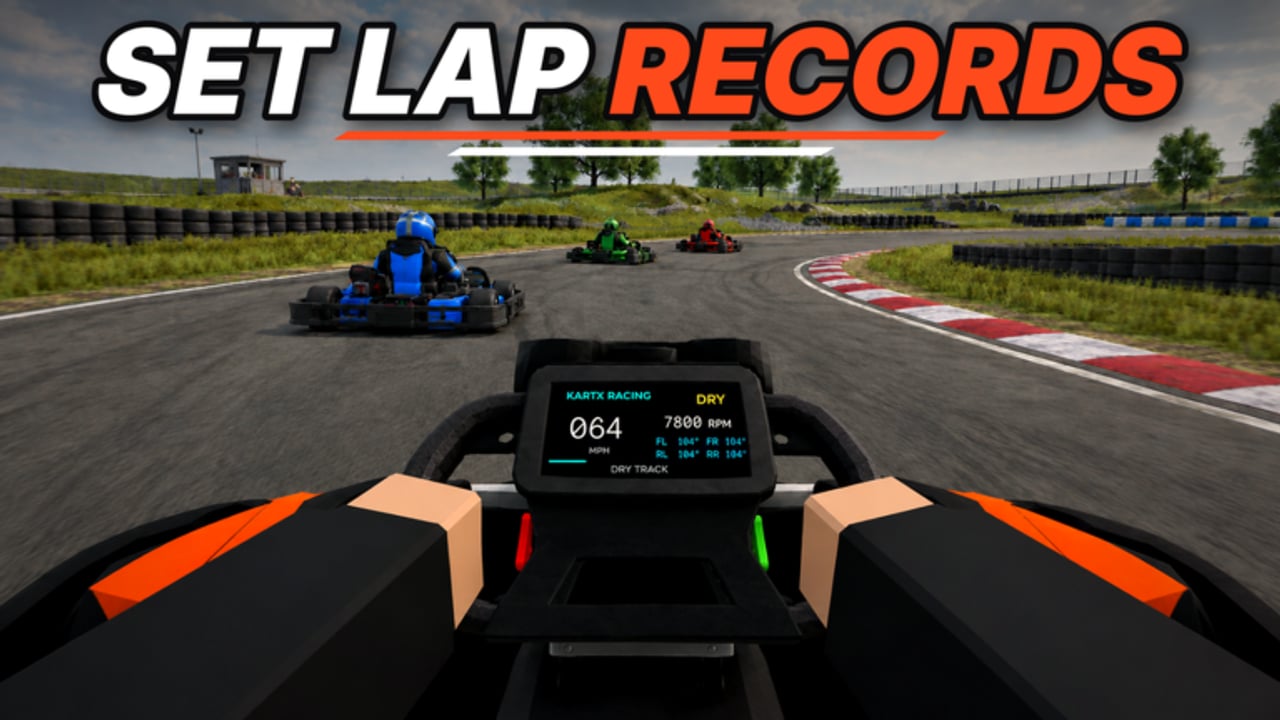
KartX Racing’s Halloween seasonal event was a release-phase highlight: a limited window to travel into a themed hub, chase event objectives, and pull time-limited rewards into your locker before the décor comes down. By mid-November 2026 that Halloween window is likely closed. Do not treat this page as a live “rush now” alert—verify travel prompts in the live Roblox place before you rearrange your miles plan. When the seasonal portal is gone, use the evergreen habits on the Events Hub and keep patch context on the Updates Hub.
If Halloween (or a similar seasonal hub) returns later, the how-to below still applies. Pair this page with New Track Update, Guides Hub, Getting Started, Players Hub, Marshal Guide, Tools Hub, Race Checklist, Tier List Hub, Codes Hub, and Scripts Hub.
Status check first (mid-November 2026+)
- Join KartX Racing and look for Halloween travel prompts, banners, or lobby toggles.
- If nothing seasonal appears after a rejoin, assume the window is closed and return to normal races.
- Read Events for habits that work for any limited-time hub—not only Halloween.
- Skim Updates for whatever patch or circuit drop is actually live instead.
We will not invent end clocks, reward quantities, or drop rates. Live UI beats any wiki screenshot.
Core rule: event windows change
Seasonal hubs in Roblox racers often open, pause, extend, or close based on live ops needs. KartX is no exception during release phase. If a travel portal is missing, a reward claim button is greyed out, or lobby chat says the event “ended early,” trust the live place over outdated wording—including older versions of this page.
Practical habits (useful whenever a season is live):
- Check the official place at the start of every session.
- Look for seasonal travel prompts in the lobby, map, or UI banners.
- Confirm limited items still appear in your locker filters.
- Do not schedule your only playtime for the theoretical last hour of an unverified timer.
When windows move, your prep checklist still works. Only the availability changes.
How to travel (if / when Halloween returns)
Exact button labels can change after hotfixes, but the player flow is consistent:
- Join a normal KartX session from the Roblox place page.
- Scan for a seasonal travel option, portal, NPC, or event lobby toggle tied to Halloween theming.
- Travel only when your kart, class, and locker loadout are already set—event areas can be crowded.
- If travel fails, rejoin once; release-phase teleport bugs happen. If it still fails, the window may be closed.
- After arriving, stay mobile. AFK crowds block other drivers and frustrate marshals.
If you are helping a friend during a live window, send them this page plus the Race Checklist so they do not travel with empty fuel assumptions or the wrong tyre set for any event races attached to the hub.
What “limited rewards” means in practice
Limited does not automatically mean “best for every race.” Halloween rewards often emphasise cosmetics, themed kart parts, badges, or seasonal boosters that feel special because they leave the store rotation later. Treat them as:
- Collection value — prove you played the window.
- Locker identity — themed loadouts for seasonal lobbies.
- Situational performance — only some rewards change pace; verify on track.
Before spending miles or event currency equivalents you earn in the hub, ask:
- Is this item leaving soon, or is it just marked seasonal for flavour?
- Does it help my current class goals on the Tier List Hub?
- Will I still enjoy it after the décor disappears?
Avoid panic purchases that wreck your miles progression toward core karts and classes covered in Getting Started. If the event is already closed, spend those miles on normal progression instead of waiting on rumour.
Session plan when a seasonal hub is live
Before you travel
- Run the Race Checklist: tyres, fuel, tune, locker, event queue.
- Skim Codes in case a seasonal gift drop is active—never invent codes; only redeem what the hub lists as verified.
- Decide whether you are grinding event objectives, racing themed lobbies, or both.
Inside the event
- Complete the clearest objectives first while energy and focus are high.
- Screenshot or note claim confirmations so you can verify locker receipt later.
- Keep chat civil; seasonal lobbies attract newer players discovering KartX for the first time.
After you claim
- Open the locker and confirm the items landed with the correct tags.
- Test any performance-affecting reward on a known circuit before trusting it in a 10-player online race.
- If a NEW TRACK is also live, read New Track before mixing event cosmetics with unfamiliar braking markers.
Etiquette in seasonal lobbies
Online KartX races max out around 10 players. Halloween hubs add tourism traffic on top of competitive grids. Good etiquette:
- Do not block portals or claim pads.
- Warn before initiating practice starts in mixed social spaces.
- Let marshals coordinate if a themed race needs a restart—see Marshal.
- Skip harassment “pranks” that ruin someone’s limited-time grind.
The Players Hub expands on driver-versus-marshal expectations; seasonal chaos is exactly when those norms matter.
Miles, classes, and FOMO control
Release-phase events tempt players to abandon long-term progression. A healthier approach—especially after the mid-November close:
- Protect the miles path toward the kart/class you actually race.
- Allocate a fixed event budget (time and currency) before you join—only while the hub is verifiably open.
- Stop when the budget is done—even if a shiny item remains.
- Return to normal circuits so your race craft does not atrophy inside a décor lobby.
- When the season is over, use Events habits for the next limited window instead of refreshing Halloween rumours.
If an event reward looks meta-defining, validate it with clean laps and tier-list context rather than lobby hype. Hype expires; braking skill does not.
Marshals during Halloween
When the hub is live, marshals should expect:
- Higher join/leave rates as players tour the hub.
- More first-time racers who do not know grid etiquette.
- Occasional teleport lag when traveling back to standard tracks.
Clear calls, patient restarts, and short rules reminders go further than punishment sprees. Read the full Marshal Guide before taking the role on a peak seasonal evening.
Safety notes on scripts and third-party tools
Seasonal FOMO is when risky scripts get shared in chat—even after the window closes. Open the Scripts Hub for safety framing, and remember: release-phase anti-tamper and physics can change without notice. No cosmetic is worth an account hit. Stick to official travel and claim flows inside KartX.
How this page stays honest
We will not invent:
- Exact reward quantities or drop rates.
- Guaranteed end clocks (we only note that by mid-November 2026 the Halloween window is likely closed—confirm live).
- Fake YouTube walkthrough IDs.
- Promo codes that are not verified on Codes.
We will document durable player skills: how to travel, how to verify locker rewards, how to budget miles, how to behave in 10-player seasonal lobbies, and how to re-check the live place when windows move. For ongoing / evergreen event habits, prefer Events; for patch cadence, prefer Updates.
Quick reference links
- Evergreen events: Events Hub
- Patch context: Updates Hub
- Circuit homework if a track drop overlaps: New Track
- Onboarding: Getting Started · Guides
- Roles: Players · Marshal
- Prep: Tools · Race Checklist
- Meta and gifts: Tier List · Codes · Scripts
If the hub is open, play calmly and claim deliberately. If it is closed, keep racing—the next seasonal window will reward the same prep habits.
Frequently Asked Questions
Quick answers for KartX Racing drivers.
Is the Halloween event still live in mid-November 2026?
By mid-November 2026 the Halloween window is likely closed. Always verify travel prompts and locker availability in the live KartX Racing place before rearranging your miles plan.
How do I travel to the Halloween hub if it returns?
Join the official Roblox place, look for the seasonal travel portal, NPC, or lobby toggle, set your loadout first, then travel. Rejoin once if teleport fails before assuming the event is closed.
Are Halloween rewards always the fastest upgrades?
Not necessarily. Many limited rewards are cosmetic or situational. Confirm performance on track and weigh them against your miles plan and tier-list goals. We do not invent reward quantities.
Where should I go for ongoing event habits?
Use the Events Hub for evergreen limited-time habits and the Updates Hub for patch cadence. This Halloween page keeps the seasonal how-to for if/when the theme returns.
Do marshals matter during Halloween?
Yes, when the hub is live. Seasonal lobbies are busier and full of newer players. Marshals help with restarts, portal congestion, and fair race control—read the Marshal Guide first.