KartX Racing Events Hub
How seasonal and live events work, what limited rewards mean, and how to prep when a window ends.
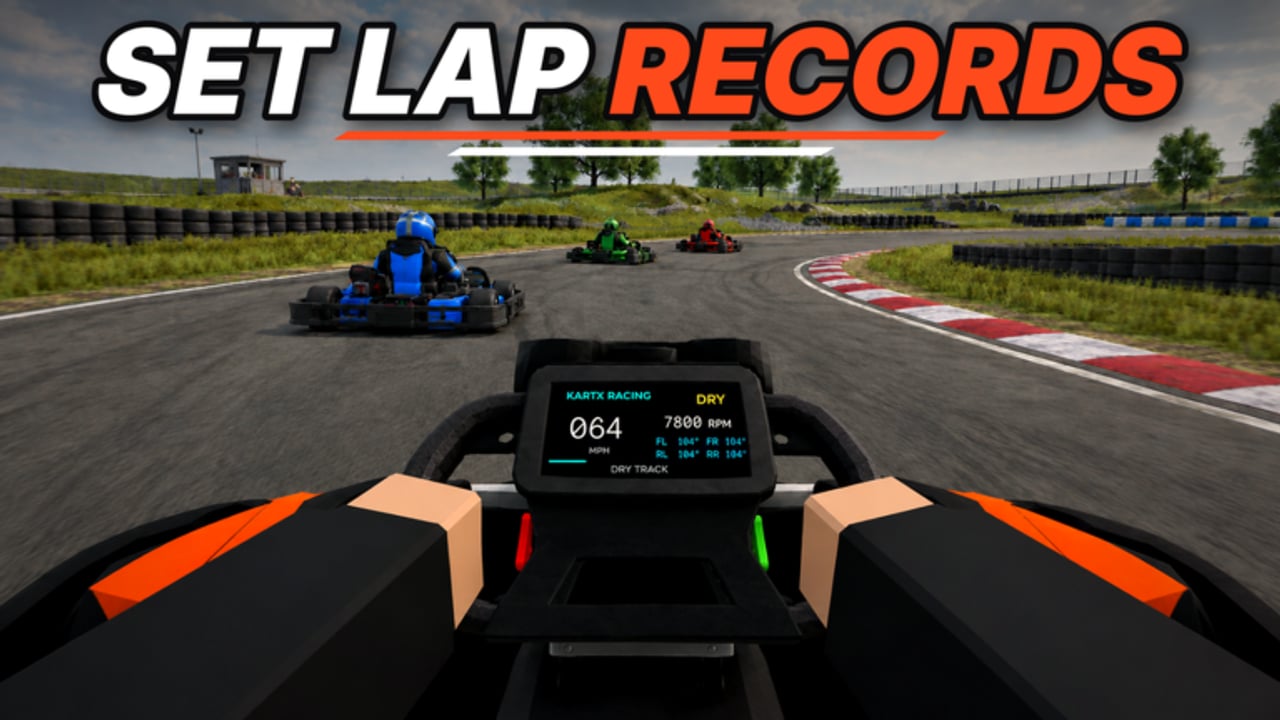
KartX Racing by KartX Official is a free-to-play Roblox kart racer still in release phase after the 2026-09-02 launch. Live and seasonal events sit beside normal mile farming: travel prompts appear in the lobby, limited rewards move through the locker, and themed objectives compete with everyday races in 10-player servers. This Events Hub explains how those windows usually behave, how to verify them in the live place, and how to connect event play to the rest of your progression—without inventing dates, drop tables, or reward quantities.
Use this page with the Updates Hub, the past-season example on Halloween, the content-drop guide for NEW TRACK, the Race Checklist, Guides Hub, Codes Hub, and Players Hub.
What counts as an “event” in KartX
During release phase, players typically meet three overlapping kinds of live content:
- Seasonal hubs — themed travel destinations (Halloween is the clearest example) with limited objectives and time-bound locker items.
- Content drops — new circuits, systems, or UI packages that change how you race even when no seasonal décor is up. The title banner still highlighting [NEW TRACK!] is this category in action; dig into New Track for practice habits.
- Promo / gift waves — occasional codes or in-experience gifts. Those belong on Codes; never invent strings here.
An “event session” might mix all three. Your job is to separate tourism (claim limited stuff) from craft (still finish clean races) so miles and etiquette do not collapse.
Core rule: verify in the live place
Release-phase schedules move. A portal that was open yesterday can be gone after a hotfix. A reward tab that looked permanent can grey out overnight. Treat screenshots, Discord rumours, and even older wiki wording as hints—not guarantees.
Every session:
- Join KartX Racing on Roblox.
- Scan lobby banners, travel prompts, map markers, and any event toggles.
- Open the locker and note which items still show seasonal or limited tags.
- Confirm whether your current kart, class, tyres, and fuel plan still make sense for the playlist you will enter.
- Only then spend miles or commit a long AFK grind.
If travel fails twice after a rejoin, assume the window closed or the server is unhealthy—do not burn an hour waiting on a dead portal.
Travel prompts and arrival hygiene
Exact button labels change after patches, but the player flow stays stable:
- Set your loadout before you travel. Event hubs get crowded; fumbling the locker in a packed spawn wastes everyone’s time.
- Travel once your tyres, fuel, and tune already match the Race Checklist.
- Stay mobile after arrival. AFK clusters at portals frustrate marshals and new drivers.
- If you are helping a friend, send them this hub plus Getting Started so they understand miles and locker basics before FOMO shopping.
Marshals should expect higher join/leave rates during seasonal peaks. Clear calls and short etiquette reminders beat punishment sprees—see the Marshal Guide and broader Players notes.
Limited rewards and the locker economy
“Limited” usually means the item leaves the event shop or claim flow when the window ends. It does not automatically mean “best chassis for every circuit.” Many seasonal rewards are cosmetics, themed parts, badges, or situational tools. Before you dump miles:
- Ask whether the item is leaving soon or merely tagged for flavour.
- Check whether it helps your real progression goals on the Tier List Hub.
- Confirm it landed in the locker with the tags you expected.
- Test any performance-affecting reward on a known circuit before trusting it in a full online grid.
Protect a reserve of miles for core karts and classes. Panic-buying every shiny seasonal shell is a common release-phase stall. Event FOMO should never erase the long loop: race → miles → unlock → tune → race again.
Halloween as a past-season example
Around late October 2026, KartX ran a Halloween seasonal window with travel into a themed hub and limited locker rewards. By mid-November 2026 that window is likely ended, but always re-check the live place—extensions and surprise reopenings happen in Roblox live ops.
Even after décor comes down, the Halloween page remains useful as a playbook: how to travel, how to budget time and currency, how to behave in tourist-heavy lobbies, and how to verify claims. Read Halloween Event for that durable process. Do not treat any reward table on the internet as current unless you can still see the items in-game.
If a future seasonal hub appears (new holiday, anniversary, or themed week), reuse the same checklist instead of waiting for a perfect wiki rewrite on day one.
NEW TRACK as a content-drop event
Not every “event” is seasonal. A NEW TRACK package reshapes braking markers, fuel windows, overtaking zones, and marshal restart points. The Roblox title may still show [NEW TRACK!] while KartX Official iterates the circuit list. Treat that banner as a reminder to practice, not as a permanent marketing slogan.
When a circuit drop lands:
- Run sighting laps before full online grids.
- Retune tyres and fuel for the new length and surface feel.
- Re-read New Track for the structured practice plan.
- Watch for overlap with seasonal travel so you do not AFK in the wrong lobby.
Content drops and seasonal hubs can ship close together. Your prep order should still be: verify live options → checklist → short practice → then spend miles.
Prep checklist before any event session
Copy this into your routine:
- Live verify — portals, banners, locker tags, track list.
- Checklist — tyres, fuel, tune, locker, event queue via Race Checklist.
- Progression context — skim Guides if you are still early; confirm spend priorities on tier lists before big unlocks.
- Gifts — check Codes only for verified strings; skip random chat “code packs.”
- Roles — decide whether you are racing, touring, or marshalling; read Players if lobby etiquette feels shaky.
- Tools caution — seasonal FOMO is when risky executors get shared. Prefer legitimate play; if you still explore automation, start at Scripts and accept ban risk yourself.
What to do when an event ends
Closing a window is part of live service, not a bug. When travel prompts vanish or limited tabs empty:
- Open the locker and inventory-check what you already claimed.
- Remove event-only assumptions from your race plan (wrong tyres, seasonal-only shells, unused Auto Halloween toggles if you use third-party tools).
- Return to standard circuits so race craft does not atrophy inside décor lobbies.
- Re-run the Race Checklist for normal playlist conditions.
- Update personal notes: what was worth the miles, what was pure cosmetic, what you will skip next season.
- Skim Updates for any overlapping NEW TRACK or systems wording.
Do not sit in an empty hub hoping the portal returns. Spend that time on clean laps and smarter unlocks.
Miles, classes, and FOMO control
Events accelerate decision pressure. A healthier budget:
- Protect the miles path toward the kart/class you actually race.
- Allocate a fixed event budget (time and currency) before you join.
- Stop when the budget is done—even if one shiny item remains.
- Validate “meta” claims with clean laps, not lobby hype.
Hype expires. Braking markers, fuel discipline, and lobby etiquette do not.
Honesty rules for this hub
This page will not invent:
- Exact end clocks or guaranteed reopen dates.
- Reward quantities, drop rates, or secret shop prices.
- Fake YouTube walkthrough IDs.
- Promo codes that are not verified on Codes.
It will keep documenting durable skills: how to spot travel prompts, how limited rewards affect the locker economy, how to prep with the checklist, how to recover when a window ends, and how Halloween and NEW TRACK fit as examples of seasonal versus content-drop live ops. When KartX Official ships the next window, verify it in the place first—then use this hub as the playbook.
Keep racing, claim deliberately, and treat every event as practice for the next one.
Frequently Asked Questions
Quick answers for KartX Racing drivers.
How do I know if a KartX event is still live?
Join the official Roblox place and check travel prompts, banners, and locker tags. The live build beats screenshots or outdated guides—seasonal windows can close without much warning.
Is the Halloween event still active?
It was active around late October 2026 and by mid-November 2026 is likely ended. Always re-verify in the live place; use the Halloween page as a process guide either way.
Are limited event rewards always the best upgrades?
No. Many limited items are cosmetic or situational. Weigh them against your miles plan and tier-list goals, then test anything performance-related on a known circuit.
What should I do when an event ends?
Confirm claimed locker items, drop event-only setup assumptions, return to standard circuits, and re-run the Race Checklist for normal playlist conditions.
How does NEW TRACK relate to seasonal events?
NEW TRACK is a content drop that changes circuits and practice priorities. It can overlap with seasonal hubs—verify both, then follow the New Track guide for layout homework.
Where should I prep before traveling to an event?
Use the Race Checklist for tyres, fuel, tune, locker, and event queue, then skim Guides, Codes, and Players so progression and etiquette stay intact.