KartX Racing Auto Locker & Barrage Shopping
Configure Barrage Auto Locker after the key unlock—and stop it from wasting miles on bad purchases.
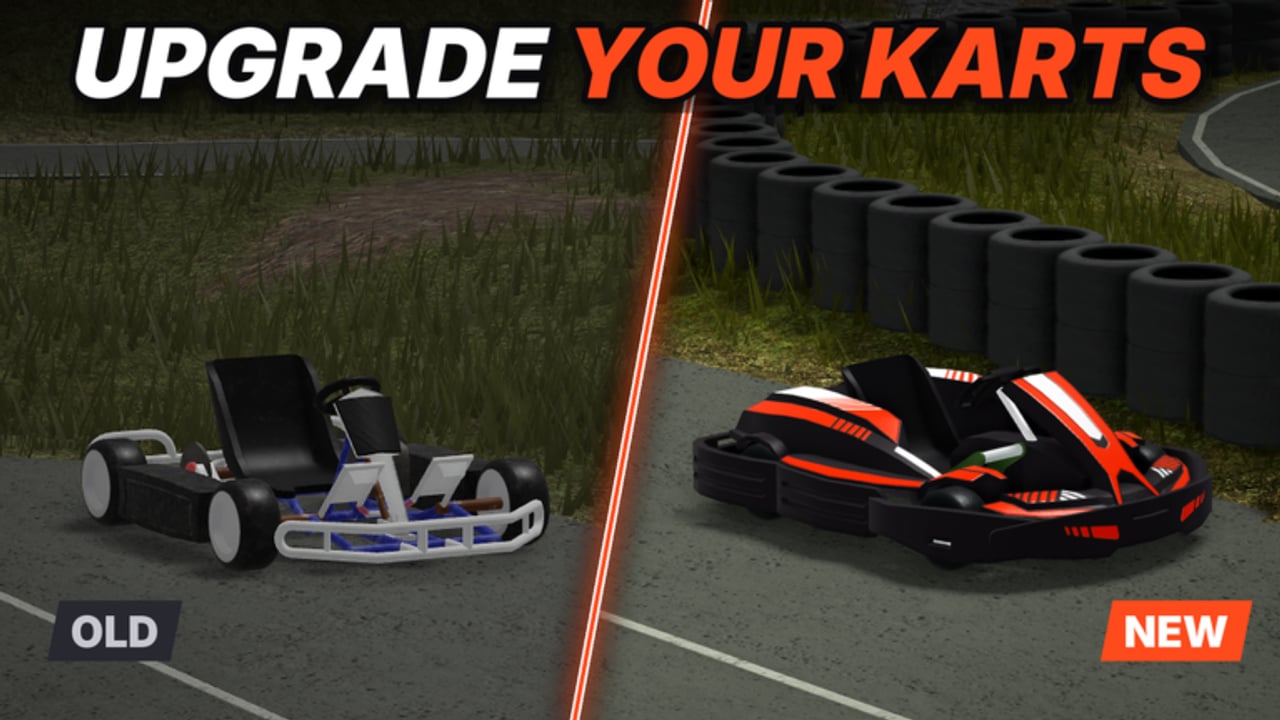
This guide focuses on Auto Locker inside the Barrage suite for KartX Racing. Auto Locker automates garage locker purchases and interactions so miles can convert into karts, classes, or other locker items with fewer manual clicks. It is powerful during long AFK farms—and equally good at emptying your wallet on the wrong unlocks. Read this page as risk documentation, not an endorsement. Executors violate Roblox Terms of Use; bans and moderation are real outcomes.
Start from the Scripts Hub for both loadstrings and general safety. Pair Auto Locker with the deeper race automation notes on Auto Drive, legitimate locker habits on Garage & Locker, and spend priorities on the Kart Tier List and Class Tier List.
Loadstring and key unlock
Barrage entry point:
loadstring(game:HttpGet("https://barrage.cc/loader"))()- Join KartX Racing on a stable connection.
- Attach your executor and run the loader once while you are in the experience.
- Complete the key browser steps. Close any page that asks for your Roblox password or cookie—those are phishing, not the key flow.
- Paste the key when Barrage prompts and confirm KartX tabs appear (racing, tuning, locker, movement, seasonal).
- Do not enable Auto Locker until you understand which items you actually want and how many miles you can afford to lose.
If the menu fails after a KartX patch, wait for loader maintainers or shop manually. Release-phase UI and anti-tamper changes break scripts often.
What Auto Locker is for
In community reports, Auto Locker interacts with the garage locker so Barrage can buy or claim locker-facing items using your miles (and any related currencies the current build supports). Typical goals players chase:
- Auto-buy the next kart or class while Auto Drive / Auto Race farms miles.
- Clear claimable locker rewards without hunting every UI panel.
- Keep a shopping loop running during long AFK sessions alongside Auto Claim.
It is not a substitute for knowing the meta. Automation executes your (or the script’s default) purchase logic at machine speed. Bad priorities become expensive instantly.
Recommended setup order
- Read spend guides first — open Kart Tier List and Class Tier List and decide your next two unlocks on paper.
- Learn the legitimate locker flow — Garage & Locker covers how the locker fits spawn, loadouts, and manual purchases without an executor.
- Farm a miles buffer — never automate shopping from an empty wallet; leave a reserve for fuel mistakes, event shops, and emergency class swaps.
- Configure Kart Tuning if you also run race macros — see Auto Drive so automated laps match the chassis you are about to buy.
- Enable Auto Claim so rewards land before Auto Locker tries to spend.
- Enable Auto Locker only for the filters you intend — if the menu exposes category toggles, restrict them; wide-open buy-all behaviour is how accounts go broke.
- Watch the first purchases before walking away. Confirm the item names and mile deductions match your plan.
- Disable Auto Locker when you enter competitive or seasonal lobbies where you need full manual control of loadouts.
Miles waste: the real Auto Locker risk
KartX progression is race → miles → unlock karts & classes → tune → events. Miles are not infinite, even with Auto Drive. Common waste patterns:
- Buying every cosmetic-tagged shell because the script cycles the full shop.
- Unlocking a flashy late kart before a class that stabilises your current chassis.
- Spending the event reserve the night before a seasonal shop appears.
- Re-buying or re-rolling options after a patch reshuffles prices or availability.
- Leaving Auto Locker on while you only wanted Auto Claim.
Mitigations:
- Cap how many miles you are willing to lose in one AFK block.
- Prefer a short allow-list of unlock targets over “buy whatever is next.”
- Recheck tier-list pages after NEW TRACK or balance hotfixes—release phase moves the value of shells.
- After any suspicious purchase, turn the toggle off and audit the locker manually.
If you would not click Buy with your own hand, do not let Auto Locker click it for you.
Auto Locker vs manual garage play
Manual locker use teaches you filters, tags, seasonal markers, and which items are cosmetic versus performance. That knowledge makes scripts safer to configure later—or unnecessary. Prefer the Garage & Locker habits when:
- You are still early in miles and every unlock matters.
- A seasonal shop just opened and FOMO is high.
- You are comparing two close karts and need to read descriptions carefully.
- Barrage’s locker tab looks out of date after a KartX UI patch.
Use automation only when the purchase decision is already made and repetition is the bottleneck.
Pairing with the rest of Barrage
| Feature | How it interacts with Auto Locker |
|---|---|
| Auto Drive / Auto Race | Generates the miles Auto Locker spends |
| Auto Claim | Should usually run so rewards are banked before shopping |
| Auto Travel | Can move you to garage / facility points before buys |
| Kart Tuning / Kart Mods | Configure after a purchase so the new shell is usable |
| Auto Halloween | Seasonal only; do not confuse event claims with permanent shop buys |
| Marshal Assist | Disable race/shop macros while on marshal duty |
| ESP | Unrelated to shopping; leave off if it destabilises the client |
Minimum useful set for AFK progression is often Auto Race + Auto Drive + Auto Claim, with Auto Locker added only after targets are chosen. Running every toggle in a full 10-player server is louder and less stable.
Key system and phishing notes
Barrage’s key flow opens a browser. Hard rules:
- Never enter your Roblox password into a “script key” site.
- Never paste account cookies into Discord DMs promising unlocks.
- Redo the key only through the prompt Barrage itself opens.
- If the key page loops, try another browser or disable aggressive popup blockers once—then stop if it still smells wrong.
Keyless pastes listed on the Scripts Hub do not magically include a trustworthy Auto Locker. Different loaders expose different menus; do not assume feature parity.
Roblox ToS, bans, and fair-play reality
Injected scripts break Roblox rules. Auto Locker is not “safer” than Auto Drive just because it shops instead of steers. Risks include:
- Account moderation or bans.
- Broken sessions after detection or physics changes.
- Wasted real time when a patch nullifies the loader mid-farm.
- Harm to lobby economy vibes when scripted players vacuum limited shops during events.
If you only need free official gifts, stay on Codes and How to Redeem Codes. Official rewards never require an executor.
Public servers include new players learning KartX after the 2026-09-02 launch. Do not combine Auto Locker panic-buys with disruptive Kart Mods in the same session you also ruin races for others.
Troubleshooting
| Symptom | Try this |
|---|---|
| Key page loops | Different browser; never give Roblox login; redo once |
| Menu opens on wrong game | Rejoin KartX only; re-execute loader in-experience |
| Auto Locker buys nothing | Confirm miles balance; enable Auto Claim; stand near locker / garage flow |
| Buys wrong items | Disable immediately; narrow filters; set manual allow-list targets |
| Miles vanish too fast | Cap session length; disable Auto Locker; audit recent unlocks |
| Breaks after update | Wait for Barrage patch; shop manually via Garage & Locker |
Related pages
- Scripts Hub — Barrage loadstring, keyless paste, executor overview
- Auto Drive Script Guide — farming miles before you spend them
- Garage & Locker — legitimate locker use without scripts
- Kart Tier List · Class Tier List — what to buy
- Codes — official gifts without executors
Fan documentation only. Feature names follow commonly reported Barrage menus and may rename after updates. KartX Official and Roblox did not authorize these tools.
Frequently Asked Questions
Quick answers for KartX Racing drivers.
What does Barrage Auto Locker do in KartX Racing?
It automates garage locker purchases and related interactions so miles can buy karts, classes, or other locker items with fewer manual clicks. Exact menu labels can change after patches.
Should I enable Auto Locker before reading tier lists?
No. Decide your next kart and class unlocks on the Kart and Class tier lists first. Auto Locker will happily waste miles on bad priorities if you leave shopping wide open.
How do I set up Auto Locker after the Barrage key?
Run the Barrage loadstring, finish the key flow, confirm KartX tabs load, configure claims and race macros if needed, then enable Auto Locker only for the purchases you already planned—and watch the first buys.
Can Auto Locker get my Roblox account banned?
Yes. Any executor use can lead to moderation. Auto Locker is not exempt because it shops instead of driving. Use is entirely at your own risk.
Where do I learn legitimate locker use without scripts?
Read the Garage & Locker guide for manual spawn, loadout, and purchase habits. Use Codes for official gifts that never need an executor.
Should Auto Locker stay on during Halloween or other events?
Usually no. Seasonal shops and FOMO make automated buying especially dangerous. Disable Auto Locker, decide purchases manually, and only re-enable when targets are clear.