KartX Racing Updates
Release-phase patch cadence, NEW TRACK drops, seasonal events, and how to stay current.
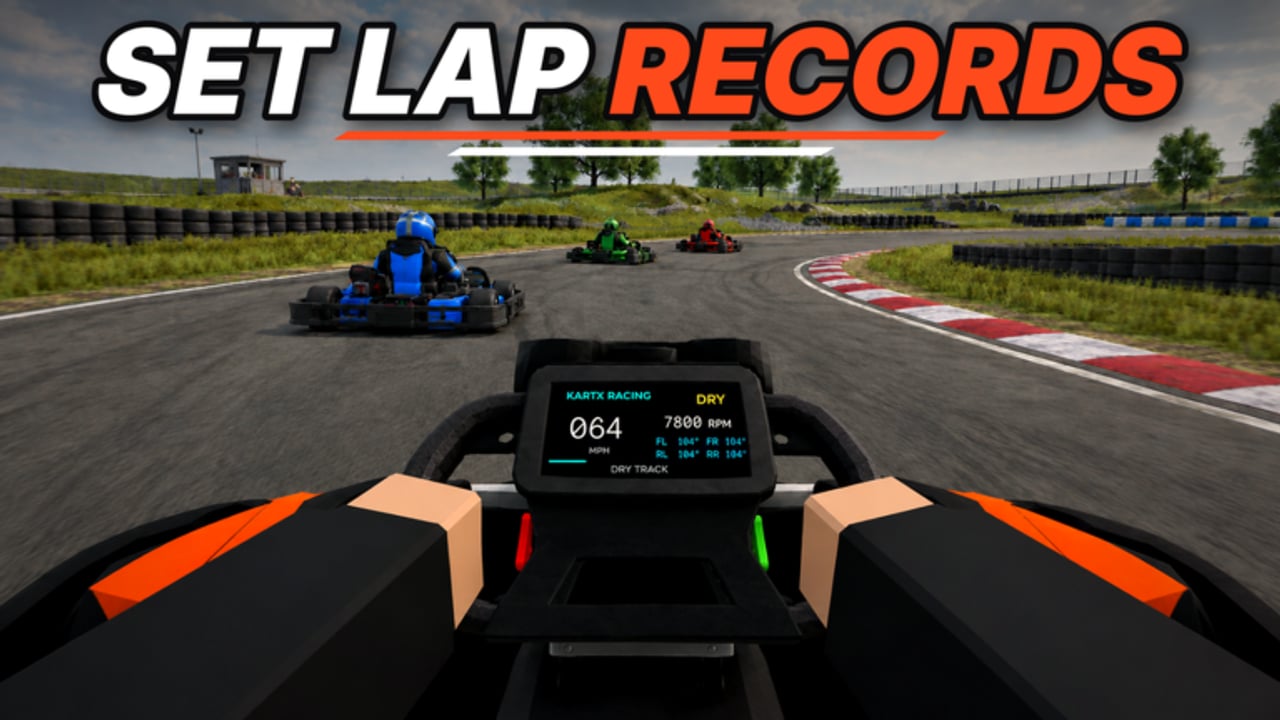
KartX Racing by KartX Official entered Roblox on 2026-09-02 and is still in an active release phase. That means tracks, karts, classes, tuning options, seasonal hubs, and quality-of-life systems can shift more often than a fully settled live-service title. This Updates Hub is the place to understand that cadence, learn how to verify changes yourself, and jump into the deep-dive pages for the NEW TRACK drop, the Halloween seasonal event, and the evergreen Events Hub.
Use this hub together with the Guides Hub, Getting Started, Tier List Hub, Codes Hub, Scripts Hub, Players Hub, and Tools Hub so every patch note you read connects to practical prep.
Why release-phase updates matter
In early live weeks, a single update can change how you earn miles, which karts feel competitive, which circuits show up in online lobbies, and whether a seasonal travel point is open. Ignoring patch notes is how players waste miles on outdated setups, miss limited rewards, or join a 10-player race with the wrong tyre and fuel plan. Release-phase titles reward players who treat every session like a short feedback loop: race, note what felt different, then check this hub before the next queue.
Expect three kinds of change:
- Content drops — new circuits, seasonal hubs, locker cosmetics, or limited rewards.
- Systems tweaks — miles curves, class balance, tuning ranges, marshal tools, or lobby rules.
- Stability and UX — spawn fixes, UI clarity, queue reliability, and race restart behaviour.
Not every change is flashy. A quiet tuning clamp or marshal permission fix can matter more to podium finishes than a new paint job. When you read a patch summary, ask what it does to your pre-race checklist in the Race Checklist and to role etiquette on the Players Hub.
Current spotlight pages
- Events Hub — evergreen habits for seasonal and limited-time windows: how to verify travel prompts, budget miles, and re-check the live place when calendars move.
- New Track Update — how the NEW TRACK drop changes practice priorities, braking markers, and race-line homework for online lobbies capped at 10 players.
- Halloween Event — how to travel to the seasonal event, what limited rewards mean in practice, and why event windows can change without warning.
Bookmark all three if you play daily. Seasonal and circuit drops are the update types most likely to reshape your locker choices and miles spending plan; the Events Hub keeps those habits useful even after a themed window closes.
How KartX patch cadence usually feels
KartX Official has not locked the game into a rigid weekly timetable the way some older Roblox racers do. During release phase — including the November 2026 stretch — updates tend to cluster around:
- Feature ships such as a new track package or a seasonal hub.
- Hotfixes after busy weekends when lobby friction or race-start bugs show up.
- Event open/close windows that move rewards in and out of the locker economy.
- Early-November-style patch bursts — players often see clustered fixes and content tweaks around the start of November; treat that as a cadence feel, not a guaranteed calendar, and always verify live.
Treat public calendars as guidance, not guarantees. If a Halloween travel point closes early or a NEW TRACK practice lobby behaves differently after a restart, assume the live build is the source of truth. Then return here and to sibling pages so the wiki wording can stay aligned with what you see in-game.
How to track changes like a competitive driver
Use a simple verification loop before you invest miles:
- Join the live place at KartX Racing on Roblox and note the current lobby options, track list, and any event travel prompts.
- Open your locker and confirm which karts, classes, cosmetics, and event items are actually available today.
- Run one short practice on any new or remixed circuit before queueing a full online race.
- Revisit your tune — tyres, fuel, and class setup — with the Race Checklist.
- Scan this hub and the spotlight pages for language that matches what you just saw.
- Cross-check progression advice in Getting Started and ranking context in the Tier List Hub so you do not chase an outdated meta.
If you also redeem gifts, open the Codes Hub after major drops; promo waves often land near content updates. If you experiment with client tools, read the Scripts Hub safety notes first—never assume a script survives a release-phase patch.
What to log after every update
Keep a short personal note (even in Roblox chat to yourself or a private doc):
- Did a new track appear in rotation, and which corners punish late braking?
- Did miles gain feel faster, slower, or unchanged?
- Did any kart class suddenly feel stronger or weaker?
- Is a marshal still needed for clean lobbies, and did their tools change?
- Is a seasonal event open, closing soon, or already gone?
- Did locker filters add new tabs, tags, or limited items?
Those six questions map directly to the rest of this wiki. Answers feed the Players Hub etiquette discussion, the Marshal Guide, the Events Hub, and the practical steps on Tools.
Linking updates to roles and etiquette
Online races support up to 10 players. When a patch changes track length, draft behaviour, or restart rules, lobby culture matters as much as raw pace. Drivers should re-read competitive etiquette on the Players Hub. Anyone volunteering as a marshal should open the Marshal Guide before the first busy weekend on a new circuit. A NEW TRACK drop without marshal awareness often turns into pile-ups at unfamiliar hairpins; a Halloween hub without clear travel instructions creates AFK congestion in the wrong lobby.
Recommended reading order after a big patch
- Skim this Updates Hub for the type of change (circuit, seasonal, systems).
- Open Events, New Track, or Halloween if any apply.
- Run the Race Checklist before your first ranked-feeling online session.
- Refresh Getting Started if you are still early in miles progression.
- Compare kart priorities on the Tier List Hub.
- Confirm any gift codes on Codes and stay cautious with Scripts.
Staying honest during release phase
This wiki will not invent patch dates, reward quantities, or YouTube IDs. When KartX Official ships something new, we document what players can verify in the live place: track presence, event travel, role behaviour, locker availability, and lobby size. If an event window moves, treat the in-game prompt as authoritative and assume seasonal pages may need a wording refresh. That discipline keeps the Updates Hub useful instead of speculative.
Keep racing, keep notes, and come back here whenever the lobby list looks different than yesterday.
Frequently Asked Questions
Quick answers for KartX Racing drivers.
When did KartX Racing release on Roblox?
KartX Racing by KartX Official released on 2026-09-02 and remains in an active release phase with ongoing content and systems updates.
How often does KartX Racing update?
There is no guaranteed weekly clock. During release phase—including early-November 2026 cadence feels—expect feature drops (like NEW TRACK), hotfixes after busy weekends, and seasonal open/close windows. Always verify in the live place.
Where should I start after a big patch?
Read this hub, then open Events, New Track, or Halloween if relevant, run the Race Checklist, and cross-check Guides, Tier List, Codes, and Players pages before spending miles.
Do updates change marshal duties?
They can. Track layouts, restart tools, and lobby behaviour may shift. Marshals should re-read the Marshal Guide after major circuit or seasonal drops.
Will this hub list every hotfix?
Spotlight pages cover major content such as Events, NEW TRACK, and Halloween. Use the live Roblox place as the final check for tiny stability patches.